


AI images
For AI images you cannot edit
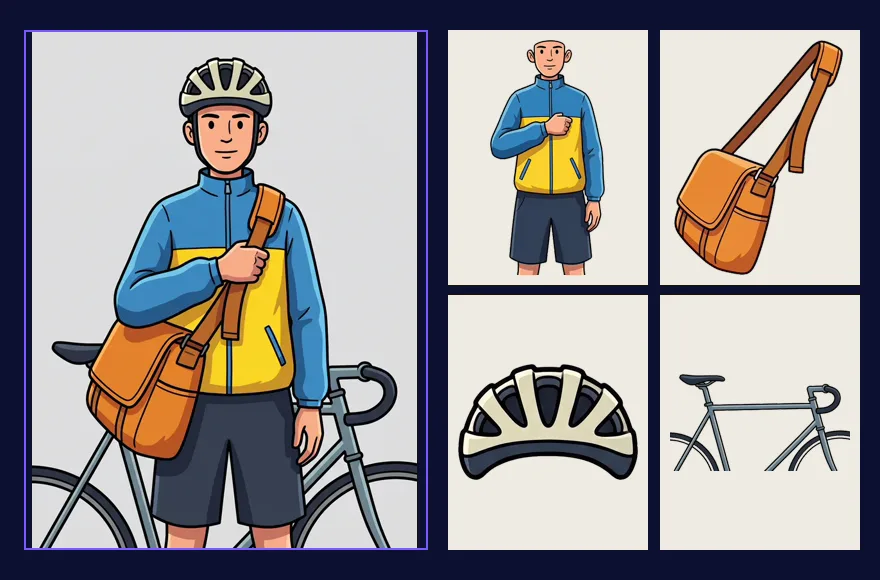
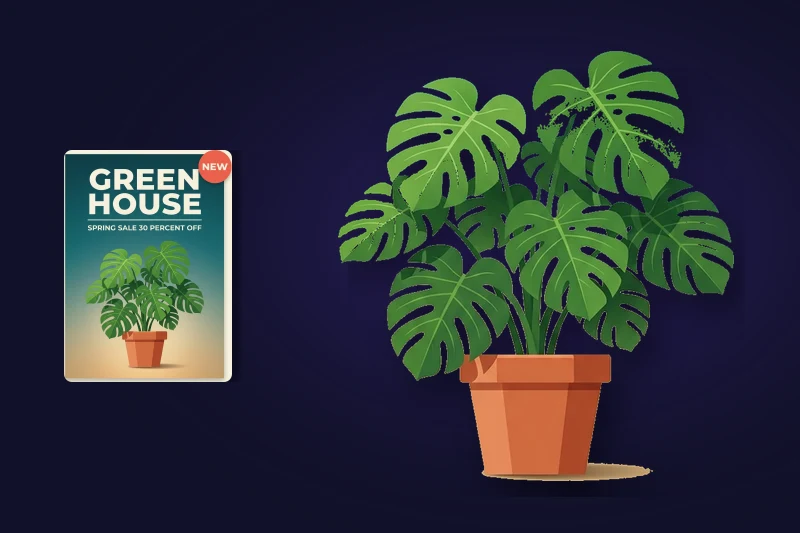
You generated something you like, but the text is wrong or an element sits in the wrong place. Regenerating changes everything else. Convert it instead, and the text comes back on its own layer.
Upload one PNG or JPEG and click once. Text, subjects, graphics and background each come back as a separate transparent layer, named and in place.
Drag images here, or click to upload
Supports PNG, JPG. Max 10MB per file
Uploaded 0 / 1 (1 more allowed)
One PNG or JPEG. You can run your first conversion without an account.
Your layers land here
Upload an image and hit convert — text, subject, graphics and background each come back as their own transparent layer.
Example
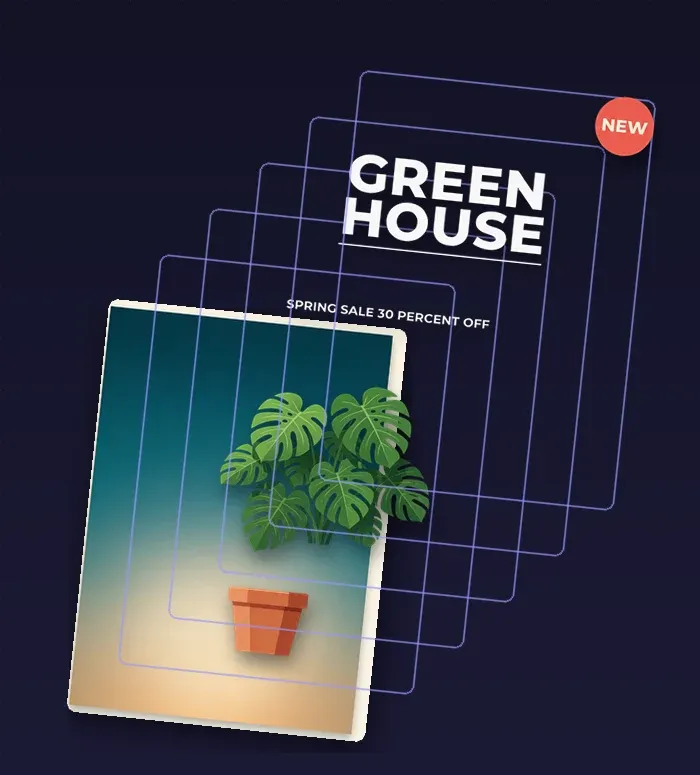
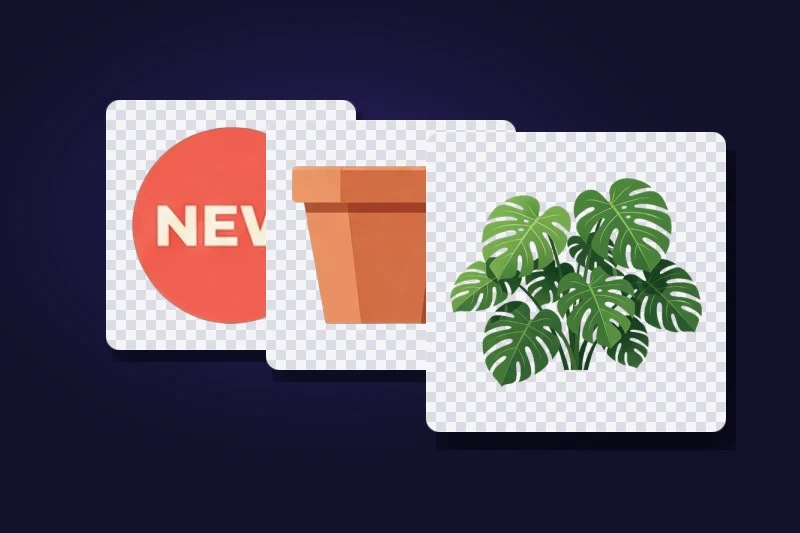
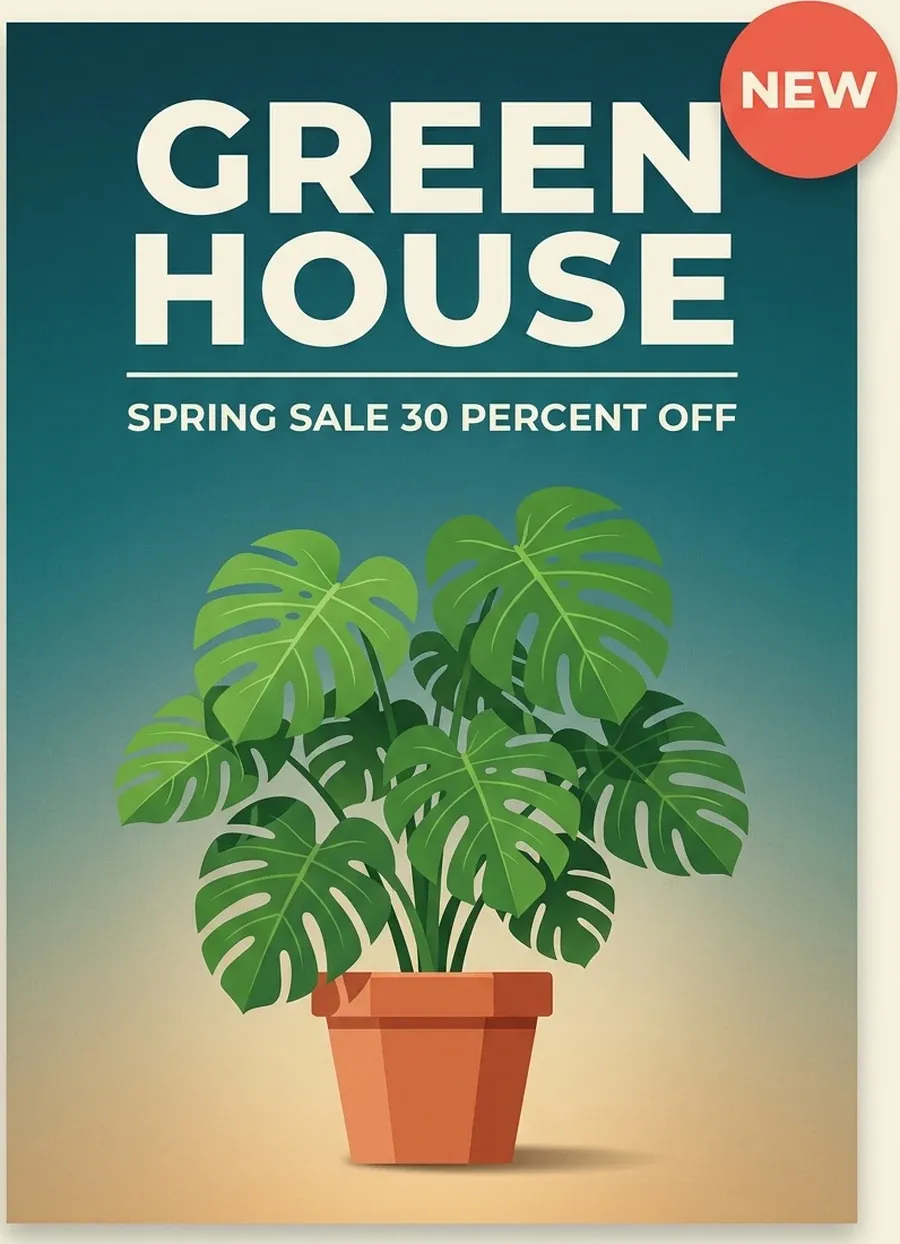
One poster in, six layers out. Every layer below is a separate transparent file, named by the model and ready to download on its own.

Out · 6 layers


The checkerboard is transparency. Each layer keeps its position and stacking order, so putting them back in order rebuilds the poster exactly.
Who it's for
Four situations that come up over and over. They all start the same way: a finished image, and no way to change one part of it. Every picture below is a real conversion.

AI images
You generated something you like, but the text is wrong or an element sits in the wrong place. Regenerating changes everything else. Convert it instead, and the text comes back on its own layer.

Marketing
The campaign visual is approved and now the offer has changed. Swap the headline, move the product, or resize for another channel without rebuilding the design.

Small business
The flyer was made by someone who has moved on, and the working file went with them. Convert the exported image and change the date or the price yourself.

Design
A client sends a JPEG of an old design and asks for a new version of it. Getting the elements back takes a minute instead of an afternoon of masking.
Definition
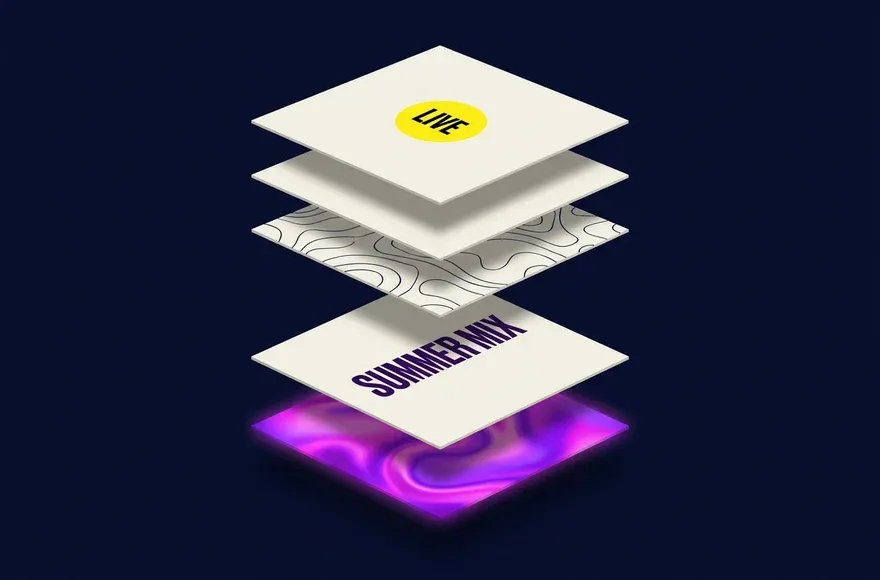
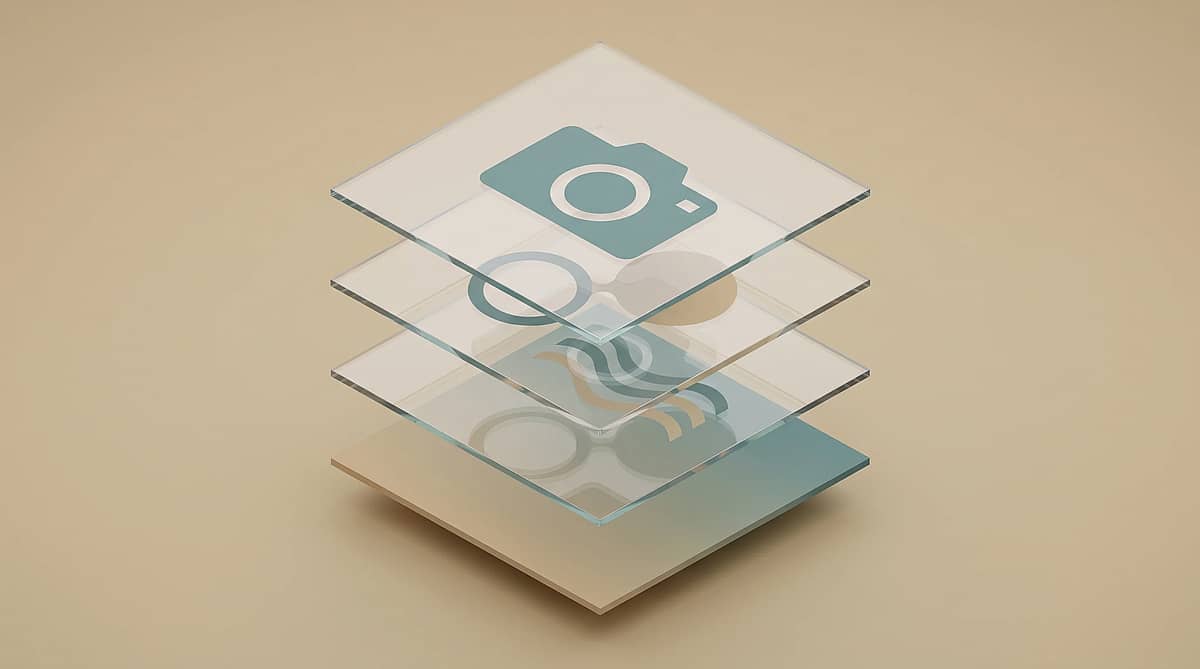
Image to layers is the process of converting one flat image into separate, editable layers. You get a rebuilt background plus each subject, text block and graphic as its own transparent PNG. IntoLayers does this automatically, names every layer, keeps its position, and exports the stack as a layered PSD.

| Base layer | Your image with every separated element removed and the gaps filled in. |
|---|---|
| Element layers | One transparent PNG per subject, text block or graphic, with a readable name such as “Main headline text”. |
| Position and order | Each layer keeps its bounding box and stacking order, so the stack reassembles to your original. |
| One layered file | All layers stacked in order as a single PSD, the format Photoshop, Photopea, Affinity Photo and GIMP all open. |
| Separate images | Every layer as its own transparent PNG in a ZIP. Layers come back at up to about twice the size they occupy, so a small enlargement stays sharp. |
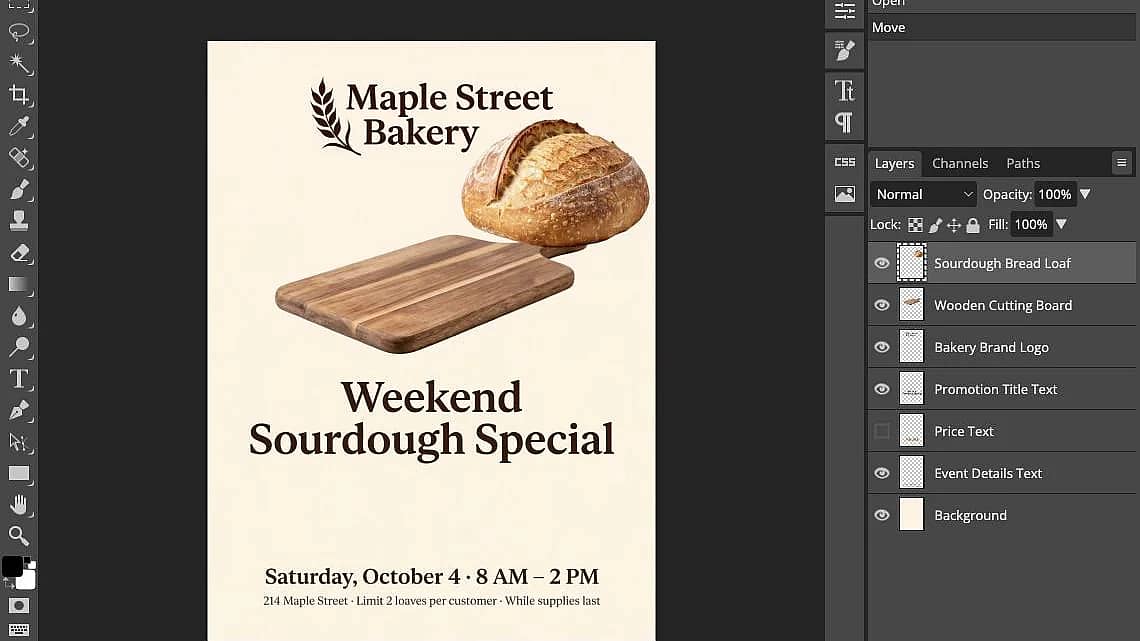
Every layer keeps its position and stacking order, so the PSD reassembles to your original image.
Process
One upload, one click, one download. No masks, no pen tool, no rebuilding.
Drop a PNG or JPEG. Posters, screenshots, social graphics, product shots and AI images all work.
The model finds the elements and separates them. Leave the layer count as it is, or raise it when you want a finer split.
Toggle each layer in the stack, download any transparent PNG, or export the whole stack as a layered PSD.
Features
IntoLayers hands you a real layer stack, not a preview. Switch layers on and off here, then take the files into the tool you already use.
The preview updates as you go
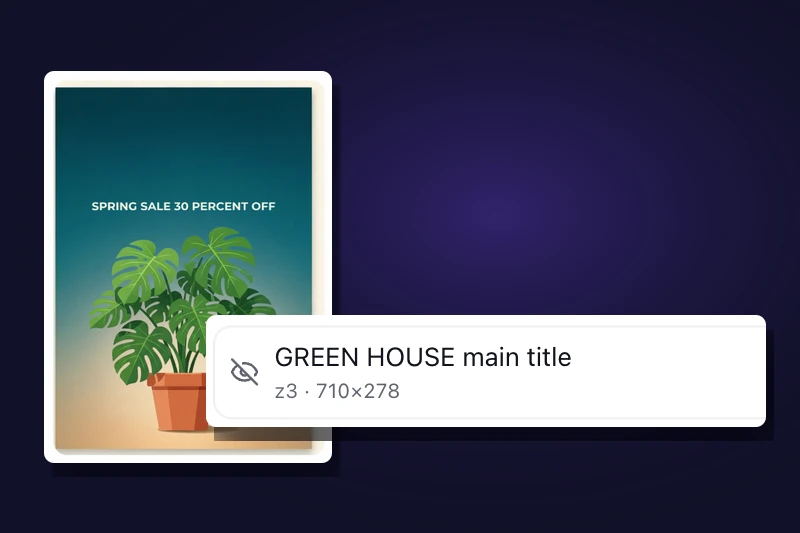
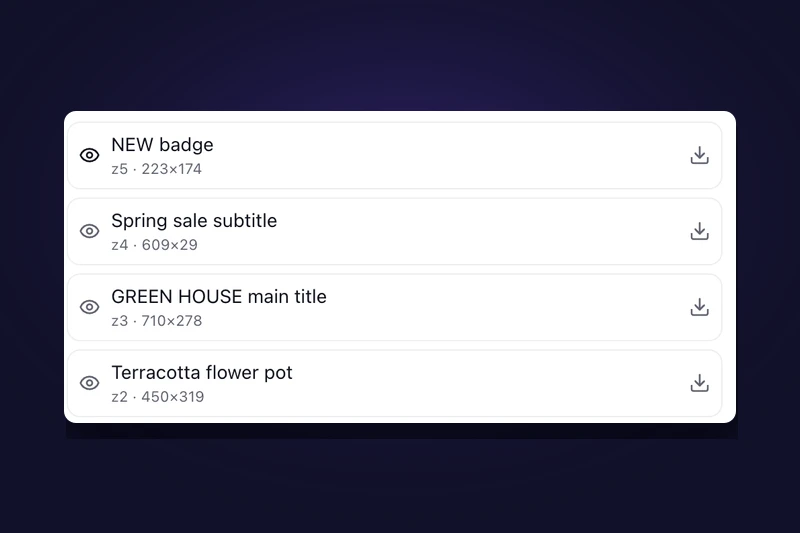
Every layer is listed with its name and stacking order. Hide one to see what sits behind it, or turn the whole design down to a single element.
Position and order preserved
Layers come back with readable names such as “NEW 2026 badge”, each one already at the right position and depth. Nothing to sort or line up by hand.
The background is rebuilt underneath
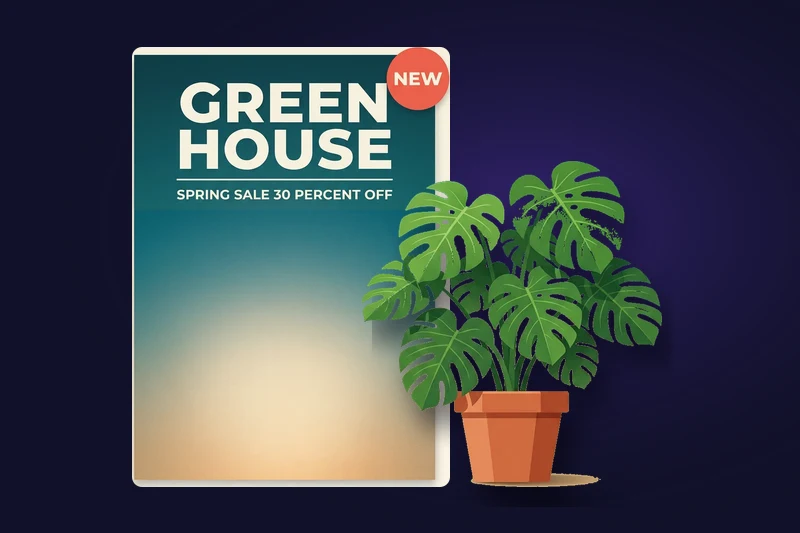
Every separated element is removed from the base layer and the gap is filled in. Slide the product across the frame and there is clean background behind it.
Transparent PNG, or the whole set as a ZIP
Download a single element when that is all you need, or grab every layer at once. Each one is a transparent PNG with nothing baked into it.
Photoshop, Photopea, Affinity Photo, GIMP
Export the whole stack as a single layered file with the layers already in order. The file is built in your browser, so your image is not sent anywhere to package it.
About twice the size they occupy
Each layer comes back larger than the space it fills in the original. Enlarge an element or reuse it in a bigger design and it stays sharp.
Answers to the questions people ask before splitting an image.
Upload one PNG or JPEG and see the layer stack in about a minute. No account needed to try.